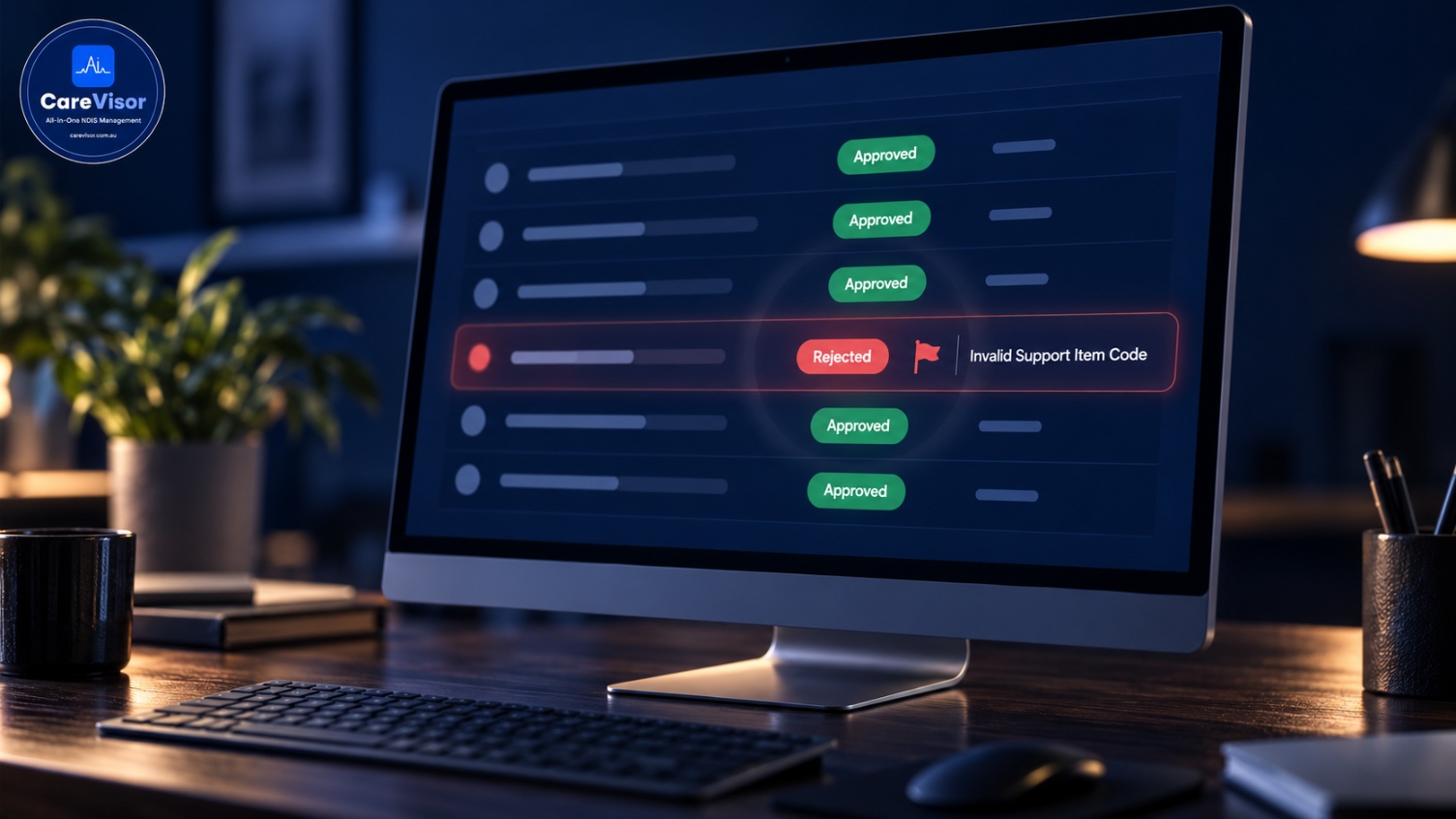
NDIS payment claims are usually rejected for a wrong or invalid support item code, a mismatch with the participant's funded budget, incorrect participant details, a service date outside the plan period, or a price above the NDIS limit. Most rejected claims can be fixed by correcting the error and resubmitting. Checking each claim against the participant's plan before submitting prevents the majority of rejections.
A rejected claim is money you've earned sitting in limbo. And for most providers, rejections aren't rare bad luck; they're the same handful of small errors repeating, quietly slowing cash flow and piling up admin.
This guide covers why NDIS claims get rejected, the specific error types and codes, how to fix and resubmit a rejected claim, and how to stop them happening in the first place. If claim rejections are eating your time, this is how you cut them down.
What does a rejected NDIS claim mean?
A rejected NDIS claim is a payment request that the NDIS system won't process because something on it doesn't validate against the participant's plan or the claiming rules.
A rejected NDIS claim is a payment request the system declines because of an error, usually a wrong support item code, a budget or plan mismatch, or incorrect details. It isn't a permanent loss; most rejected claims can be corrected and resubmitted.
Rejection isn't the same as non-payment forever. It's the system telling you to fix and resubmit. The cost is the delay and the rework, which is why cutting rejections matters for cash flow.
Why do NDIS claims get rejected?
The common rejection reasons, and what causes each:
Rejection reason | What's wrong |
|---|---|
Invalid support item code | The code doesn't exist, is retired, or doesn't match the support |
Budget mismatch | The participant isn't funded for that support category |
Insufficient funds | The category budget is exhausted |
Incorrect participant details | Wrong NDIS number or a detail mismatch |
Service date outside plan | The date falls before or after the plan period |
Price above limit | The unit price exceeds the NDIS Pricing Arrangements cap |
Duplicate claim | The same claim was already submitted |
Key point: The most common rejection is a support item code problem, either an invalid code or a code the participant isn't funded for. Matching the code to both the support delivered and the participant's funded budget prevents most rejections.
These mirror the invoice errors covered in our NDIS invoice requirements guide, since a claim and its invoice must agree.
NDIS claim rejection codes and validation errors
The NDIS system returns error codes and messages that tell you what failed. Rather than memorising every code, understand the categories:
Code errors: the support item code is invalid, retired, or wrong for the support.
Budget errors: no funding, or insufficient funding, in the participant's plan category.
Participant errors: the NDIS number or participant detail doesn't match.
Date errors: the service date sits outside the plan period.
Pricing errors: the price exceeds the current limit.
Duplicate errors: the claim was already lodged.
Short answer: NDIS claim rejection codes fall into a few categories: code errors, budget errors, participant errors, date errors, pricing errors, and duplicates. The error message points to which one, so you can correct that specific field and resubmit.
Read the error message; it names the problem. Confirm current codes and limits against the NDIS Pricing Arrangements, which update annually.

How to fix a rejected NDIS claim
The fix process is straightforward once you know the error:
Read the rejection reason. The error code or message names the problem.
Identify the incorrect field. Code, budget, participant, date, or price.
Check against the participant's plan and service agreement to find the correct value.
Correct the error on the claim.
Resubmit the corrected claim.
Record the fix so the same error doesn't repeat.
To fix a rejected NDIS claim, read the rejection reason, correct the specific field it names (usually the code, budget, participant detail, date, or price), check it against the participant's plan, and resubmit. Then record the cause so it doesn't recur.
Step six matters most. A one-off fix solves today's claim; spotting a repeating error solves the cause. Our record keeping guide covers keeping the evidence each claim relies on.
How to stop NDIS claims getting rejected
Prevention beats resubmission. The providers with low rejection rates do these:
Check every claim against the plan before submitting, not after rejection.
Keep support item codes current with each annual pricing update.
Verify participant details and service dates at the point of claiming.
Watch category budgets so you don't claim against exhausted funds.
Automate validation so wrong codes, over-limit prices, and budget overruns are flagged before submission.
Key point: Every rejection is preventable at the point of claiming. A system that validates the code, price, budget, and dates before you submit turns rejections from a routine headache into a rare exception.
This is where claiming inside a connected operating system beats standalone tools. When rostering, service agreements, and budgets connect to claiming, the system catches the error before the NDIS does. See the NDIS management software guide and the NDIS service provider platform page.
Key takeaways
A rejected NDIS claim is a payment request declined for an error; most can be fixed and resubmitted.
The most common cause is a support item code problem or a budget mismatch.
Rejection error messages name the failed field, so you can correct it specifically.
Fix, resubmit, then record the cause to stop it repeating.
Validating claims against the plan before submitting prevents most rejections.
Frequently asked questions
Why was my NDIS claim rejected?
NDIS claims are most often rejected for an invalid or wrong support item code, a mismatch with the participant's funded budget, incorrect participant details, a service date outside the plan period, or a price above the NDIS limit. The rejection message names the specific problem.
How do I fix a rejected NDIS claim?
Read the rejection reason, identify the incorrect field, check the correct value against the participant's plan and service agreement, correct the error, and resubmit. Then record the cause so the same error doesn't recur.
Can you resubmit a rejected NDIS claim?
Yes. A rejection isn't a permanent loss. Once you correct the error the system flagged, usually the code, budget, participant detail, date, or price, you can resubmit the claim for payment.
What are common NDIS claim rejection reasons?
Common reasons include an invalid support item code, a budget or plan mismatch, insufficient funds in the category, incorrect participant details, a service date outside the plan period, a price above the limit, and duplicate claims.
How long does an NDIS claim take to pay?
Approved NDIS claims are typically paid within a few business days. Rejected claims delay payment until they're corrected and resubmitted, which is why reducing rejections directly improves cash flow.
How do I stop my NDIS claims getting rejected?
Check every claim against the participant's plan before submitting, keep support item codes current, verify participant details and service dates, watch category budgets, and use software that validates claims before submission rather than after rejection.
Rejected NDIS claims come down to a few repeating errors: wrong code, wrong budget, wrong detail, wrong date. Fix the immediate claim, then fix the cause, and validate before you submit rather than after you're rejected. That's the difference between chasing rejections and getting paid the first time.
The providers with healthy cash flow aren't luckier; their claiming system catches errors before the NDIS does.
See claiming done right. Start a free CareVisor trial and see how providers validate every claim against the plan before submitting, so rejections become rare and payments arrive the first time.
About CareVisor
CareVisor is the audit-ready operating system for Australian NDIS providers, built in Sydney by NDIS operators who have prepared for and passed Quality and Safeguards Commission audits firsthand. Claiming and invoicing, service agreements, participant management, progress notes, incident reporting, worker screening, and SCHADS payroll live in one platform, mapped to the NDIS Practice Standards, with a time-stamped audit trail captured by default. Learn more about us or start your free trial at carevisor.com.au.


