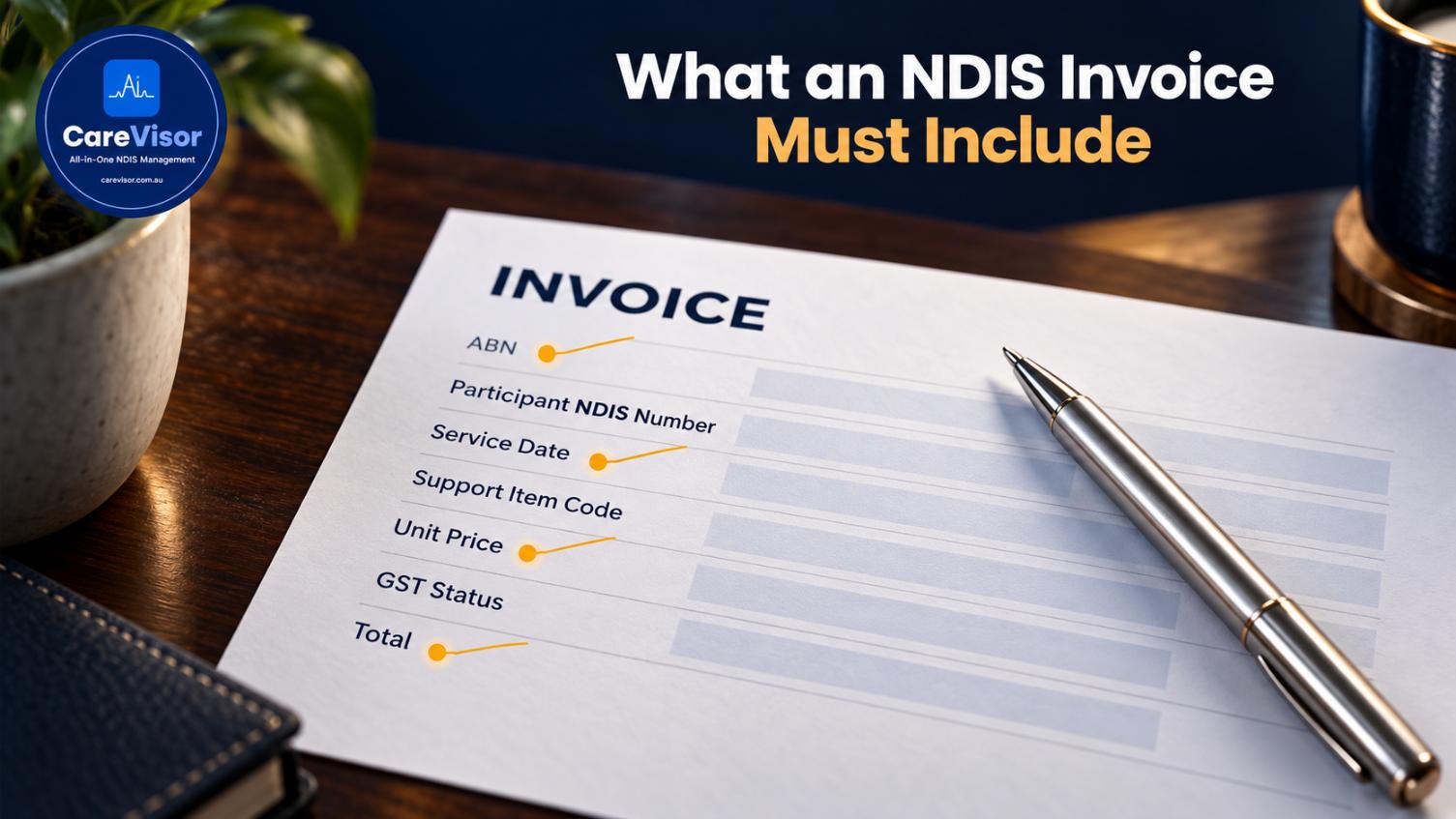
An NDIS invoice must include the provider's name and ABN, the participant's name and NDIS number, the service date, the NDIS support item (line item) code, a description of the support, the quantity, the unit price, the GST status, and the total. Invoices missing the correct support item code or participant details are the most common reason NDIS claims get rejected.
A rejected invoice is money you've earned but haven't been paid. And the reasons for rejection are almost always small, fixable details: a wrong support item code, a missing NDIS number, a date that doesn't match the service agreement.
This guide covers exactly what an NDIS invoice must include, the codes that matter, why claims get rejected, and how to invoice so you get paid the first time. If cash flow matters to your provider business, and it always does, this is the detail worth getting right.
What must be included on an NDIS invoice?
An NDIS invoice is a tax invoice with NDIS-specific details added. It has to satisfy both the ATO's tax invoice rules and the NDIA's claiming requirements.
Short answer: An NDIS invoice must include the provider's name and ABN, the participant's name and NDIS number, the service date, the NDIS support item code, a support description, quantity, unit price, GST status, and the total amount payable.
The full field list:
Provider details: business name and ABN
Invoice number and date
Participant details: name and NDIS number
Service date(s): when the support was delivered
NDIS support item (line item) code: the specific code for the support
Description of the support delivered
Quantity (hours or units)
Unit price (aligned with the NDIS Pricing Arrangements)
GST status: most NDIS supports are GST-free, but state it
Total amount payable
Payment details
Miss the support item code or the NDIS number, and the claim can't be processed.
The NDIS support item codes
The line item code is what makes an NDIS invoice different from a normal one.
Short answer: NDIS support item codes are the specific reference codes from the NDIS Pricing Arrangements that identify each support. The code on your invoice must match the support delivered and the participant's funded budget category, or the claim will be rejected.
Every support has a code tied to a support category in the participant's plan. The code must match:
The support actually delivered
The participant's funded budget for that category
The current NDIS Pricing Arrangements price limits
Using the wrong code, or a code the participant isn't funded for, is a leading rejection cause. Pricing updates annually (usually 1 July), so codes and limits change.
How to invoice for NDIS supports correctly
A clean invoicing process, step by step:
Confirm the support matches the participant's service agreement and funded budget.
Select the correct support item code for the support delivered.
Check the unit price against the current NDIS price limits.
Add all required fields (provider, participant, date, code, description, quantity, GST, total).
Verify the NDIS number and service date are correct.
Submit the claim through the NDIS portal or your plan manager.
Key point: The single biggest cause of invoice rejection is a mismatch between the invoice and the participant's plan, wrong code, wrong price, or a support the participant isn't funded for. Checking against the service agreement before you invoice prevents most rejections.
This ties directly to your service agreements and progress notes, since the invoice should match the support agreed and the support recorded.

Why NDIS invoices get rejected
The common rejection reasons, and how to avoid each:
Wrong support item code. The code doesn't match the support or the funded category.
Incorrect NDIS number or participant details. A typo stops processing.
Price above the limit. The unit price exceeds the NDIS Pricing Arrangements cap.
Insufficient funds. The participant's budget for that category is exhausted.
Service date issues. The date falls outside the plan period or doesn't match records.
Missing GST status. Unclear GST treatment.
No matching service agreement. The support wasn't agreed.
Short answer: NDIS invoices are most often rejected for a wrong support item code, incorrect participant details, prices above the limit, exhausted budgets, or service dates outside the plan period. Checking each against the plan before invoicing prevents most rejections.
Each rejection is delayed cash flow and admin rework. Our record keeping requirements guide covers keeping the evidence that supports each claim.
Key takeaways
An NDIS invoice is a tax invoice plus NDIS-specific fields (NDIS number, support item code, service date).
The support item code must match the support delivered and the participant's funded budget.
Prices must align with the current NDIS Pricing Arrangements.
Most rejections come from a wrong code, incorrect details, or a mismatch with the plan.
Checking the invoice against the service agreement before submitting prevents most rejections.
How to get paid faster
Getting paid the first time comes down to accuracy and speed:
Invoice promptly after delivering support, while records are fresh.
Match every invoice to the service agreement and progress notes before submitting.
Keep support item codes current with each annual pricing update.
Automate the checks so wrong codes, over-limit prices, and budget overruns are caught before submission, not after rejection.
This is where invoicing inside an operating system beats standalone accounting software. When your rostering, service agreements, and claiming connect, the invoice draws the right code, price, and participant details automatically, and flags a problem before it becomes a rejection. See how it fits on the NDIS service provider platform page, and the wider NDIS management software guide.
Frequently asked questions
What information must be on an NDIS invoice?
An NDIS invoice must include the provider's name and ABN, invoice number and date, the participant's name and NDIS number, service date, NDIS support item code, support description, quantity, unit price, GST status, total amount, and payment details.
What are NDIS support item codes?
NDIS support item codes are reference codes from the NDIS Pricing Arrangements that identify each support. The code on the invoice must match the support delivered and the participant's funded budget category, or the claim will be rejected.
How do I create an NDIS invoice?
Confirm the support matches the participant's service agreement, select the correct support item code, check the unit price against current NDIS price limits, add all required fields, verify the NDIS number and date, then submit through the NDIS portal or plan manager.
Why do NDIS invoices get rejected?
The most common reasons are a wrong support item code, incorrect participant details, a price above the NDIS limit, an exhausted budget, a service date outside the plan period, or no matching service agreement. Checking against the plan before invoicing prevents most rejections.
Are NDIS invoices GST-free?
Most NDIS supports are GST-free when they're reasonable and necessary supports in a participant's plan, but the invoice should still state the GST status clearly. Confirm the GST treatment for your specific supports with a registered tax agent.
Can I use an NDIS invoice template?
Yes, a template helps ensure you include every required field, but it must capture the NDIS-specific details (NDIS number, support item code, service date) and use the correct current codes and prices. A template alone doesn't prevent a wrong-code rejection.
The bottom line
NDIS invoice requirements come down to accuracy: the right code, the right price, the right participant details, matched to the plan. Get those right and you get paid the first time. Get them wrong and you're chasing rejections and delayed cash flow.
The providers with healthy cash flow aren't invoicing more; they're invoicing accurately, with a system that catches errors before submission rather than after rejection.
See invoicing done right. Start a free CareVisor trial and see how providers connect service agreements, support delivery, and claiming, so every invoice draws the right code and price and gets paid the first time.
About CareVisor
CareVisor is the audit-ready operating system for Australian NDIS providers, built in Sydney by NDIS operators who have prepared for and passed Quality and Safeguards Commission audits firsthand. Claiming and invoicing, service agreements, participant management, progress notes, incident reporting, worker screening, and SCHADS payroll live in one platform, mapped to the NDIS Practice Standards, with a time-stamped audit trail captured by default. Learn more about us or start your free trial at carevisor.com.au.


