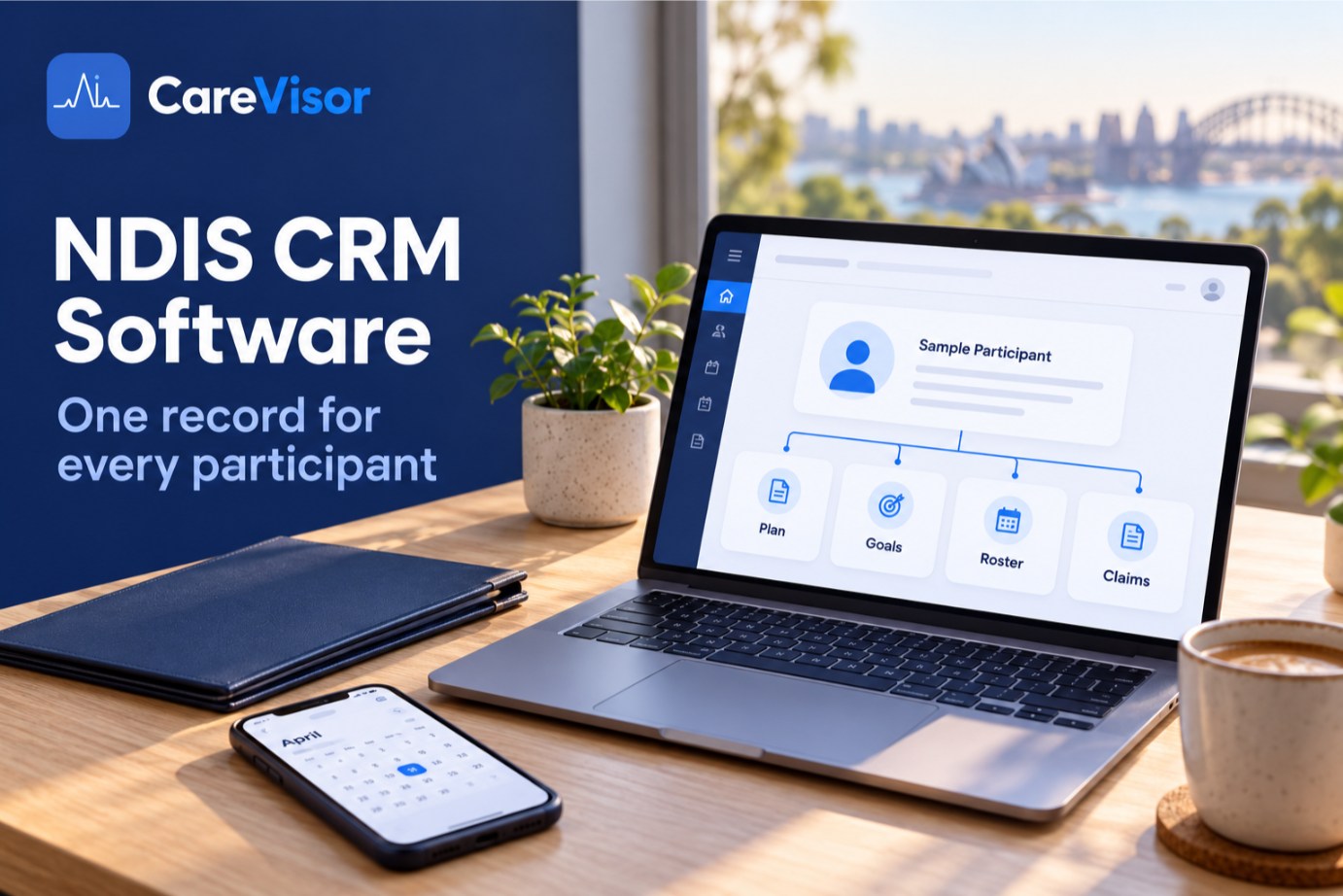
NDIS CRM software manages a provider's relationship with each participant: their plan, budget, goals, service agreement, consents and every support delivered. Unlike a sales CRM such as HubSpot, NDIS CRM software connects that participant record to rostering, claiming and compliance evidence. In Australia, most registered providers use purpose-built NDIS software with CRM-style participant management built in, not a generic CRM.
An auditor points at a participant file and asks one question: "Show me how last Tuesday's support linked to this participant's goal."
If your CRM is HubSpot, the contact record is there. The roster is in another app, the progress note is in a shared drive, the service agreement is a PDF in someone's inbox, and the claim went through the NDIA portal. That's five places and about 40 minutes, while the auditor waits.
In an NDIS platform, it's one record and about 10 seconds.
That gap is what this guide is about: what NDIS CRM software actually needs to do, what Salesforce, HubSpot and Xero can and can't handle, and six tests to run before you choose one.
What is NDIS CRM software?
NDIS CRM software is a system for managing participants and everything connected to delivering their supports: NDIS plans and budgets, goals, service agreements, consents, rosters, progress notes, claims and compliance records. A sales CRM manages leads, deals and pipelines.
Sales CRM (HubSpot, Salesforce, Zoho) | NDIS CRM software | |
|---|---|---|
Core record | Contact or deal | Participant and their NDIS plan |
Tracks | Pipeline stages, emails, sales | Goals, budgets, consents, supports delivered |
Claiming | No | Support item codes, validated before submission |
Rostering | No | Staff matched to participants, budget-aware |
Compliance | No | Incidents, screening, Practice Standards evidence |
Built for | Sales teams | NDIS providers and auditors |
What CRM do NDIS providers use?
Most registered NDIS providers don't use a generic sales CRM for their core operations. They use purpose-built NDIS software where participant management sits alongside rostering, claiming and compliance. Some larger providers use NDIS products built on Salesforce. The NDIA itself runs its own government systems, including PACE.
Providers usually end up in one of three places:
A generic CRM plus other tools. HubSpot or Zoho for contacts, then separate apps for rostering, claiming and documents. This works until an audit.
An NDIS product built on Salesforce. These are enterprise platforms like Lumary. They're powerful and configurable, and usually priced and scoped for large organisations.
An NDIS platform with participant management built in. The participant record, the roster, the claim and the audit evidence live in one system. This is where CareVisor sits.
People searching for an "NDIS CRM and admin portal" often mean the NDIA's provider portal. That portal is where you submit payment requests. It isn't a CRM and doesn't manage your participants, staff or compliance. For the wider category picture, see our NDIS management software guide.
Can Salesforce, HubSpot or Xero work as an NDIS CRM?
Salesforce and HubSpot
Out of the box, no. You can store participant contacts in them, but a standard sales CRM can't do any of the following without heavy custom development:
submit NDIS claims with the right support item codes
calculate SCHADS pay for the shifts delivered
enforce a participant's plan budget when a shift is rostered
track worker screening and credential expiry
log SIRS incidents against their reporting deadlines
map records to the NDIS Practice Standards
Is there a better CRM than Salesforce for NDIS? Salesforce is excellent at sales. For NDIS, a Salesforce-built NDIS product is a different thing from Salesforce itself, and a purpose-built NDIS platform is usually a better fit for providers under about 100 participants.
Does Xero act as a CRM?
Not really. Xero stores contacts so you can invoice them, and many small providers use it that way. It doesn't hold goals, consents, service agreements, progress notes or compliance records. Xero is your accounts, not your participant management.
What NDIS CRM software should include
Feature | Why it matters |
|---|---|
Participant management | Plan, budget, goals and consents in one record (participant file checklist) |
Service agreements | Linked to the participant, versioned and consented (requirements) |
Care and support planning | Supports mapped to funded goals (care plans) |
Progress notes | Delivery evidenced per shift (progress notes) |
Claiming and invoicing | Correct codes, validated before submission (invoice requirements) |
Rostering | Staff matched to participants, budget-aware (rostering) |
Compliance | Incidents, worker screening and audit evidence |
Privacy and hosting | Sensitive information handled under the Privacy Act 1988 |
NDIS CRM software should connect participant management, service agreements, care planning, progress notes, claiming, rostering and compliance in one platform. If it only stores contacts, it's a generic CRM, not NDIS software.
NDIS CRM with rostering: why the connection matters
When the participant record and the roster are in the same system, three problems go away. You can't roster a worker whose screening has lapsed. You can't roster past a participant's plan budget. And every shift arrives at claiming with the right support item already attached. When the two live in separate systems, someone has to catch each of those by hand.

How to choose NDIS CRM software: 6 tests to run in a trial
Skip the feature lists. Put these six tests to any platform during a free trial:
The goal-link test. Pick a support delivered last week and trace it back to the participant goal it served.
The consent test. Update a service agreement and check that the old version, and who signed it, is still on record.
The budget test. Try to roster past the participant's plan budget. A warning is advice. A block is control.
The claim test. Create a claim from a delivered shift and check that the support item code is validated before submission.
The screening test. Try to roster a worker with an expired screening check. It should be blocked.
The data test. Ask where participant data is hosted and who can access it. Health information is sensitive information under the Privacy Act, and Australian hosting avoids cross-border disclosure questions.
A platform that passes all six will also make your audit easier. Our guide to what NDIS auditors check shows why, and our NDIS software comparison scores platforms on similar tests.

NDIS CRM for small providers and sole traders
If you work alone with a handful of participants, a spreadsheet, Xero and a disciplined folder structure can be enough, especially if you're unregistered. Don't pay for software you don't need yet.
The time to upgrade is when you hire your first support workers, register for supports that need a certification audit, or find yourself copying the same participant details into three tools. At that point, a free CRM costs more in admin hours than it saves in subscription fees. Look for pricing that doesn't rise per user. CareVisor's plans are priced by participant count with unlimited staff.
Is there a CRM for NDIS support coordination?
Support coordinators need something different from providers. Their work is about tracking participant plans, building links with multiple providers, and writing plan review reports. They do much less rostering and much more relationship management.
CareVisor is built for providers that deliver supports: rostering, SCHADS pay, claiming and compliance. If you're a provider that also offers support coordination, the participant records in CareVisor cover both. If support coordination is your whole business, a coordination-specific tool may suit you better, and we'd rather tell you that upfront.
Key takeaways
NDIS CRM software manages participants, plans, goals, agreements and supports delivered, not sales deals.
Salesforce, HubSpot and Xero can store contacts but can't claim, roster, calculate SCHADS or map to the Practice Standards out of the box.
Salesforce-built NDIS products exist for enterprise providers. Purpose-built NDIS platforms usually suit providers under about 100 participants.
Test any platform on goal links, consent history, budget blocks, claim validation, screening blocks and data hosting.
Sole traders can start simple. Upgrade when you hire staff or face a certification audit.
Frequently asked questions
What is NDIS CRM software?
NDIS CRM software manages a provider's participants, including their NDIS plans, budgets, goals, service agreements, consents and the supports delivered. Unlike a sales CRM, it connects the participant record to rostering, claiming and compliance evidence.
What CRM do NDIS providers use?
Most registered providers use purpose-built NDIS software with participant management built in, not a generic sales CRM. Some large providers use NDIS products built on Salesforce. The NDIA runs its own government systems, including PACE, which providers don't use to manage participants.
Can I use Salesforce or HubSpot for my NDIS business?
You can store participant contacts in them, but out of the box they can't submit NDIS claims, calculate SCHADS pay, enforce plan budgets, track worker screening or map to the Practice Standards. Making them do so takes significant custom development.
Does Xero act as a CRM?
Only in a limited way. Xero stores contacts for invoicing, but it doesn't hold goals, consents, service agreements, progress notes or compliance records. It's accounting software, not participant management.
What are the four types of CRM?
The four types are usually described as operational, analytical, collaborative and strategic. NDIS providers mainly need operational CRM features: managing participants, delivering supports and keeping records. That's why NDIS platforms build participant management into operations rather than selling it as a separate CRM.
What is the best NDIS CRM for small providers?
For a sole trader, simple tools can be enough. For small providers with staff, the best NDIS CRM combines participant management with claiming, rostering and compliance, and its pricing doesn't rise with every staff member you add.
Is Excel or a free CRM enough for NDIS?
A spreadsheet or free CRM can work for a sole trader for a while. Neither handles NDIS claiming, SCHADS pay or compliance evidence, so most providers outgrow them at around ten staff or their first audit.
Where should NDIS participant data be stored?
Participant health information is sensitive information under the Privacy Act 1988. Ask any vendor where data is hosted, who can access it and how access is logged. Australian-hosted platforms keep things simpler under the Australian Privacy Principles.
See participant management done right
It sounds like you're looking for a CRM because your participant information is spread across too many places. The fix isn't another contact database. It's one record where the participant, the roster, the claim and the audit evidence all connect.
Start a free CareVisor trial, load a real participant, and run the six tests above on day one. No credit card is needed.
About CareVisor
CareVisor is the audit-ready operating system for Australian NDIS providers, built in Sydney by NDIS operators who have prepared for and passed Quality and Safeguards Commission audits. Participant management, service agreements, care planning, progress notes, rostering, claiming, incident reporting, worker screening and SCHADS payroll live in one NDIS provider software platform, with Australian-hosted data and a time-stamped audit trail captured by default. See the features or learn more about us.


