Here are three payslips for the same 4-hour Sunday shift, worked by a casual support worker on SCHADS Level 2.1: $289.76, $325.98 and $362.20. Only one is right. The other two are what happens when payroll software applies the right rules in the wrong order.
What is NDIS payroll software?
NDIS payroll software calculates pay for disability support workers under the SCHADS Award. It applies the worker’s classification, casual loading, weekend and public holiday penalties, the 2-hour minimum shift and allowances, then pays wages and super. The best NDIS payroll software also shows how each shift was calculated.
Below: what NDIS payroll software must handle, the Sunday shift test, how the main software types compare, what it costs, and the questions to ask before you buy.
What NDIS payroll software must handle under the SCHADS Award
Most NDIS support workers are paid under the Social, Community, Home Care and Disability Services Industry Award 2010, known as the SCHADS Award. These are the rules your software has to get right on every shift:
SCHADS rule | What it means | Example from 1 July 2026 |
|---|---|---|
Classification | Pay depends on the worker’s level and pay point | Level 2.1: $36.22 an hour |
Casual loading | 25%, added to the base rate | Level 2.1 casual: $45.28 an hour |
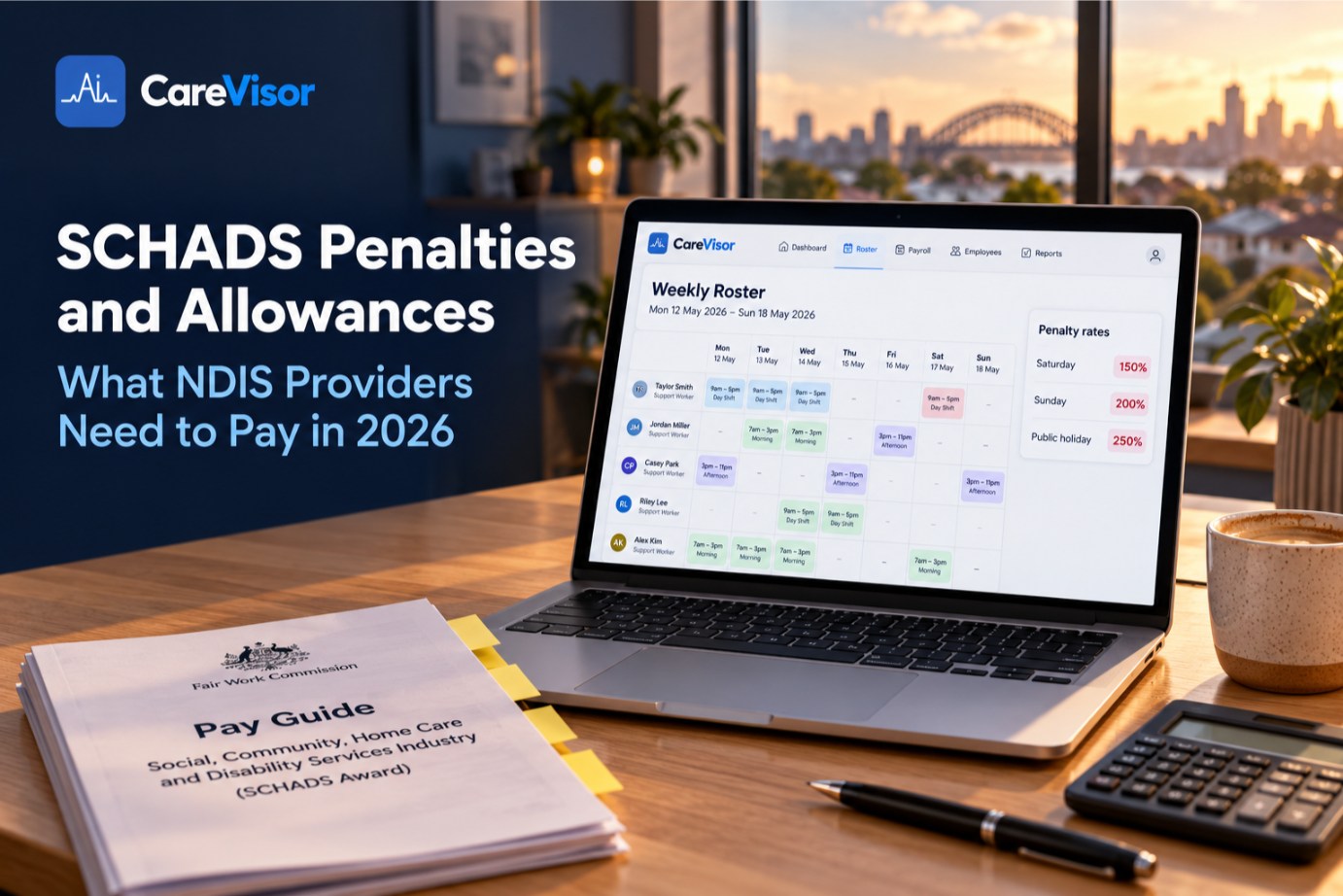
Weekend and public holiday penalties | Casual rates are 175% Saturday, 225% Sunday, 275% public holiday | Casual loading is added, not multiplied |
Minimum engagement | Casual and part-time disability services work is paid for at least 2 hours | A 90-minute shift is paid as 2 hours |
Break between shifts | Generally 10 hours, or 8 hours around a sleepover | A late finish followed by an early start breaks the rule |
Allowances | Broken shifts and sleepovers attract set allowances | See our SCHADS Award pay rates for 2026 |
Two newer rules sit on top. Super must reach the worker’s fund within 7 business days of payday from 1 July 2026 under Payday Super, as the ATO explains in its guide to paying super for your employees. And since 1 January 2025, intentional wage underpayment is a criminal offence.
The Sunday shift test: does your NDIS payroll software show the maths?
Here’s how the three payslips from the opening were worked out.
Method | Hourly rate | 4-hour shift | Result |
|---|---|---|---|
Correct: base × 225% | $81.50 | $325.98 | Right |
Penalty × loading (200% × 125%) | $90.55 | $362.20 | Overpaid $36.22 |
Penalty only, loading missed (200%) | $72.44 | $289.76 | Underpaid $36.22 |
The underpayment looks small on one shift. If 10 casuals each work one Sunday shift a week, it adds up to $18,834 a year in wages, before super.
The test: open your payroll software, pick one Sunday shift, and ask it to show the calculation. Base rate, casual loading, penalty, in that order. If it can only show the total, you can’t prove the total is right.

NDIS payroll software vs rostering and payroll software vs generic payroll
Generic payroll (for example Xero or MYOB payroll) | NDIS rostering and payroll software | Specialist SCHADS payroll software | |
|---|---|---|---|
Where hours come from | Typed in or imported | The rostered shift and clock-in | Imported timesheets |
SCHADS rules | Usually set up by you, pay item by pay item | Built in | Built in |
Shows the maths per shift | Rarely | Depends on the platform | Varies |
Links pay to the NDIS claim | No | Yes, from the same shift | No |
Best for | Simple rosters with few casuals | Providers with 10+ staff | Providers who already have rostering they like |
What to ask about Xero and MYOB integration: does the platform send calculated pay to Xero or MYOB, or just hours? If only hours go across, the SCHADS rules still have to be set up correctly in your accounting software.
Pay and claims should come from the same shift. Otherwise a worker gets paid for a shift you can’t claim. See our NDIS claiming guide and how NDIS rostering software feeds both.
How much does NDIS payroll software cost in Australia?
Pricing usually follows one of two models:
Per employee per month. Cheap when you’re small, and the bill rises with every support worker you hire.
Per participant or flat fee. The cost stays the same as your workforce grows.
Compare the full monthly cost at your real headcount, including rostering and claiming if they’re sold separately. Then compare it with the risk: one underpaid Sunday a week across 10 casuals costs more than most subscriptions.
CareVisor starts at $96 a month for up to 4 participants on annual billing, with unlimited staff on every plan. See NDIS software pricing.
7 questions to ask before you buy NDIS payroll software
Can it show the SCHADS calculation for one shift, step by step?
Does it add casual loading to weekend penalties, or multiply them?
Does it apply the 2-hour minimum automatically?
Does it warn when a roster breaks the 10-hour break between shifts?
Who updates the rates on 1 July, and for the interim increase on 1 December 2026?
Are pay and the NDIS claim built from the same shift record?
Does it keep an audit trail of every edit to a timesheet?
Use the answers alongside our NDIS software comparison. And if a Fair Work check is coming, read how to prepare your SCHADS pay records for an audit.
How CareVisor calculates SCHADS pay
CareVisor works out SCHADS pay for each shift in award order and logs the formula against that shift. The hours come from the roster and the GPS clock-in on the support worker app, and the same shift record carries the progress note and the claim.
So when someone asks “how was this Sunday paid?”, you open the shift and show them. It’s one part of an NDIS operating system that runs rostering, pay and claiming from one record.

Key takeaways
NDIS payroll software has to apply SCHADS classifications, casual loading, penalties, minimum engagement and allowances on every shift.
Casual weekend rates are 175%, 225% and 275%. The 25% loading is added, not multiplied.
From 1 July 2026, super must reach the fund within 7 business days of payday.
The best test is simple: ask the software to show one Sunday shift’s calculation.
Frequently asked questions
What’s the best NDIS payroll software for small providers?
The one that shows each shift’s SCHADS calculation and doesn’t charge more for every worker you add. Small providers also benefit from rostering, pay and claiming in one place, so there’s less to reconcile.
Can I use basic payroll software like Xero or MYOB for an NDIS business?
Yes, if you set up every SCHADS pay item correctly and keep it updated each July. The risk is that generic payroll can’t see the roster, so weekend, minimum engagement and break rules depend on someone entering hours correctly.
Do I need special payroll software for NDIS compliance?
There’s no rule that says you must. You do have to pay workers correctly under the SCHADS Award and keep employee records for 7 years. Our guide to NDIS record keeping requirements covers what to keep.
Is ShiftCare or Zanda better for NDIS payroll?
Run the same Sunday shift test on both, and on any other platform you’re considering. The software that shows the calculation step by step is the one you can defend.
Can ChatGPT do payroll?
No. It can explain a SCHADS rule, but it doesn’t run payroll, report to the ATO or keep the records you’re required to keep. Don’t paste worker or participant details into a public AI tool.
Can payroll software help me track NDIS funding?
Only if pay and claims come from the same shift. Then every rostered shift shows its cost against the participant’s budget. See NDIS participant budget tracking.
Check one Sunday shift before you switch
It sounds like you’re not completely sure your Sunday shifts are paid right, and you’d rather find out before a worker or Fair Work does. That’s a fair worry: most providers can’t show the maths. Check one Sunday shift’s SCHADS calculation in a 7-day trial. No credit card. If you’re moving off another system, here’s how to switch NDIS software without losing records.
About CareVisor
CareVisor is an Australian NDIS operating system for disability service providers. It brings participant management, rostering, SCHADS payroll calculations, progress notes, incident reporting, worker compliance and NDIS claiming into one platform, with a mobile app for support workers on iOS and Android. Pricing scales with participant numbers, every plan includes unlimited staff, and data is hosted in Australia. Learn more about CareVisor NDIS provider software.